Car Diag Croatia · authorised distribution and technical support
Yanhua support and downloads
Official Yanhua software, technical documentation and video guides. Watch on this Car Diag page; original materials retain the manufacturer’s language.
ACDP module 32 K-Line module Read & Write
Original technical documentation · Yanhua ACDP
The documentation shows the manufacturer’s original configuration. Check the quotation for the contents of your particular package.
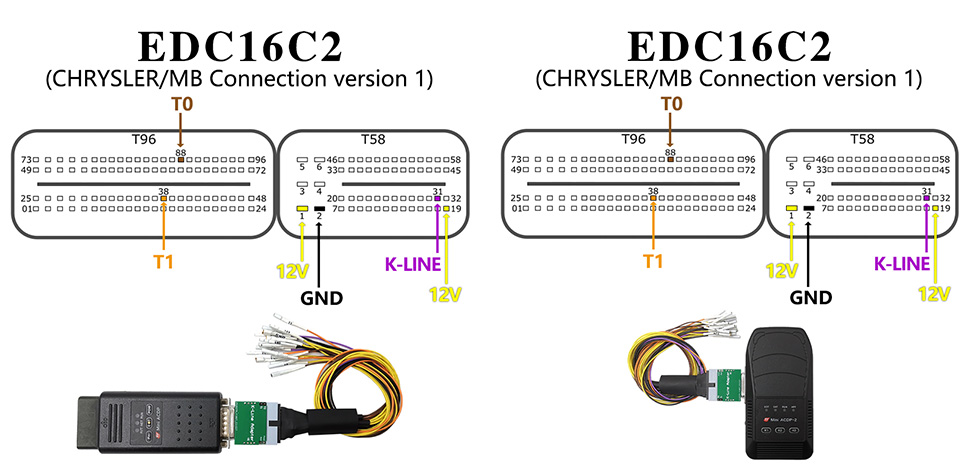
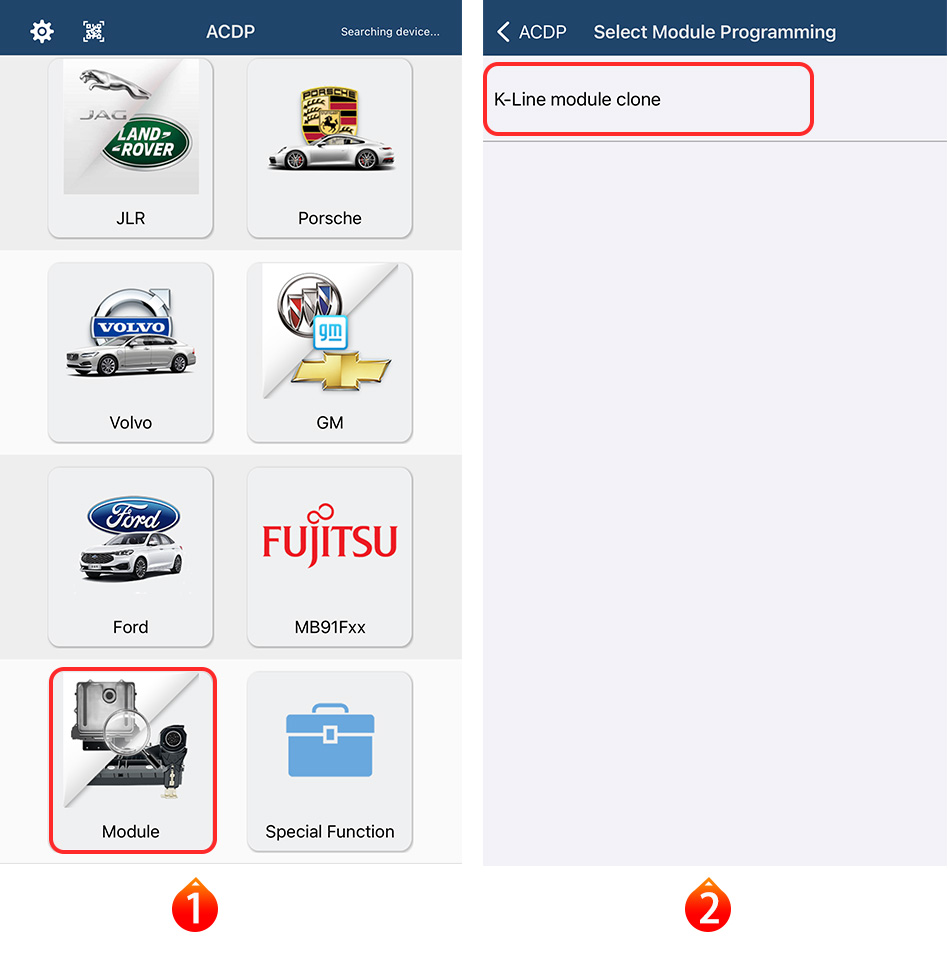
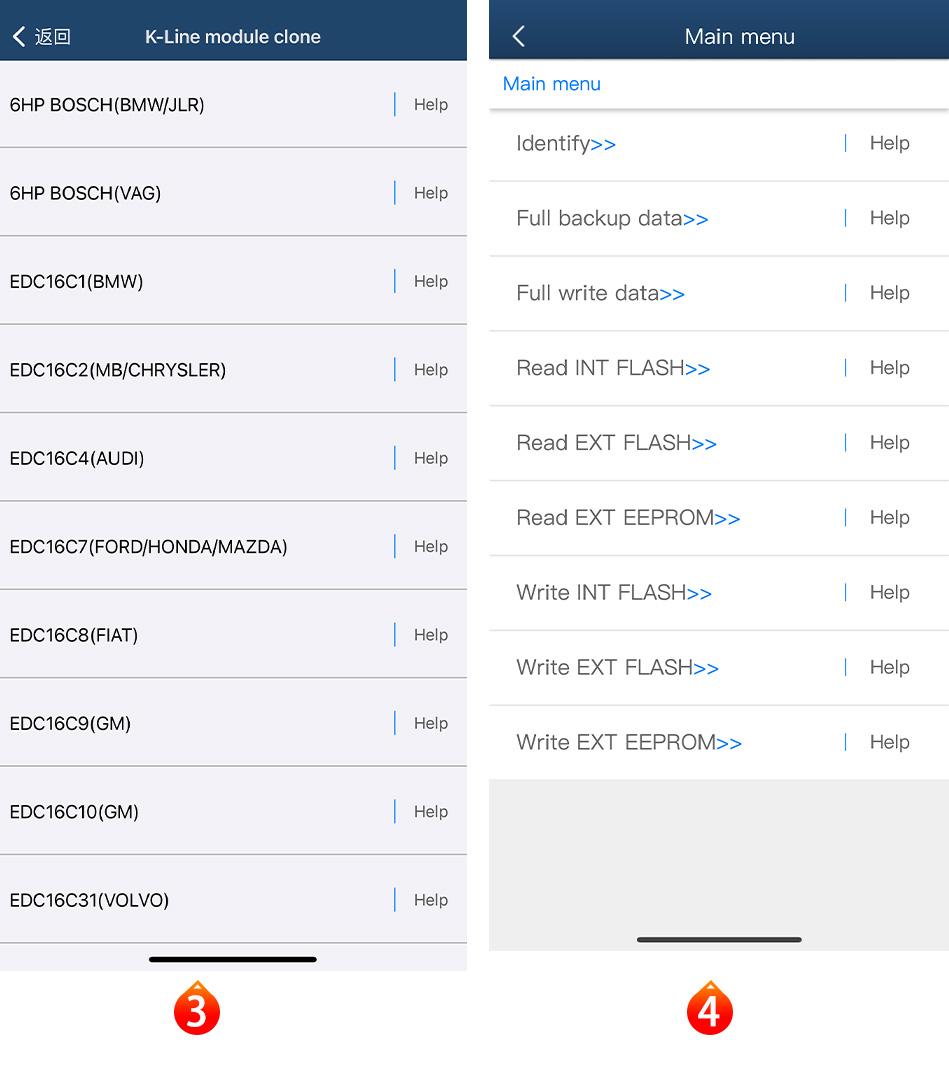
Connection and operation diagrams
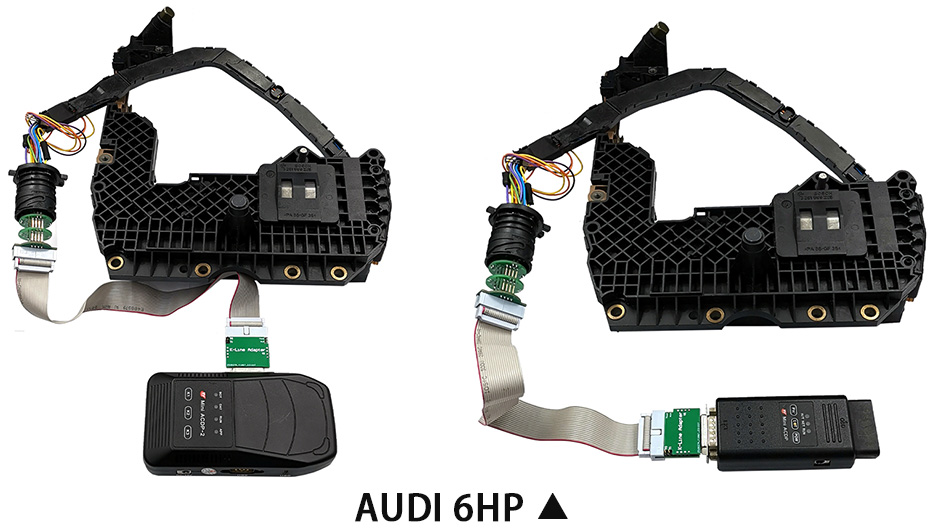
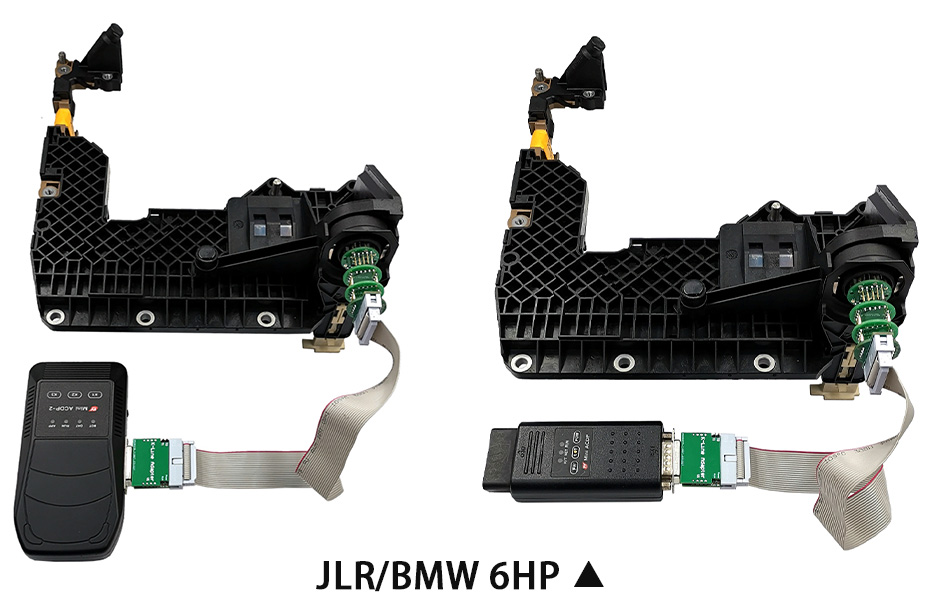
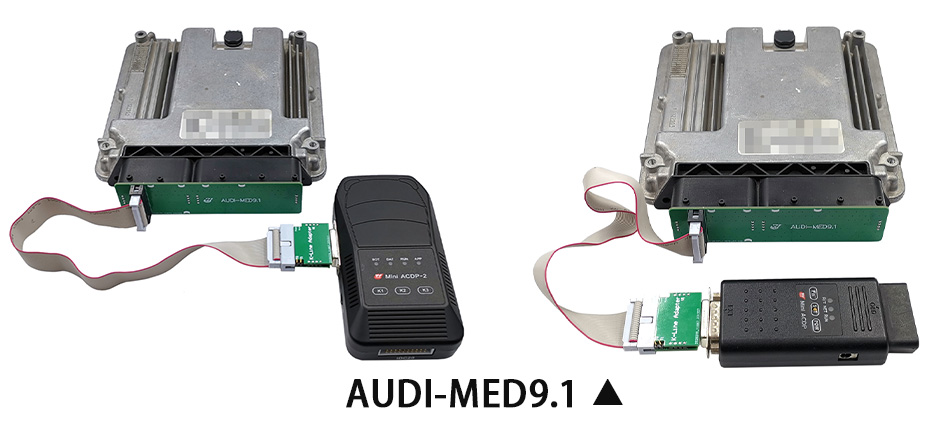
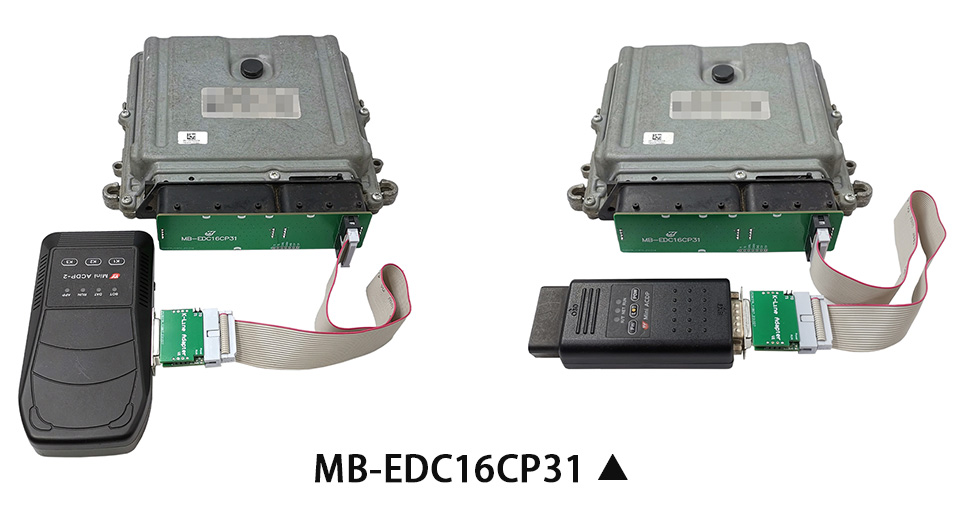
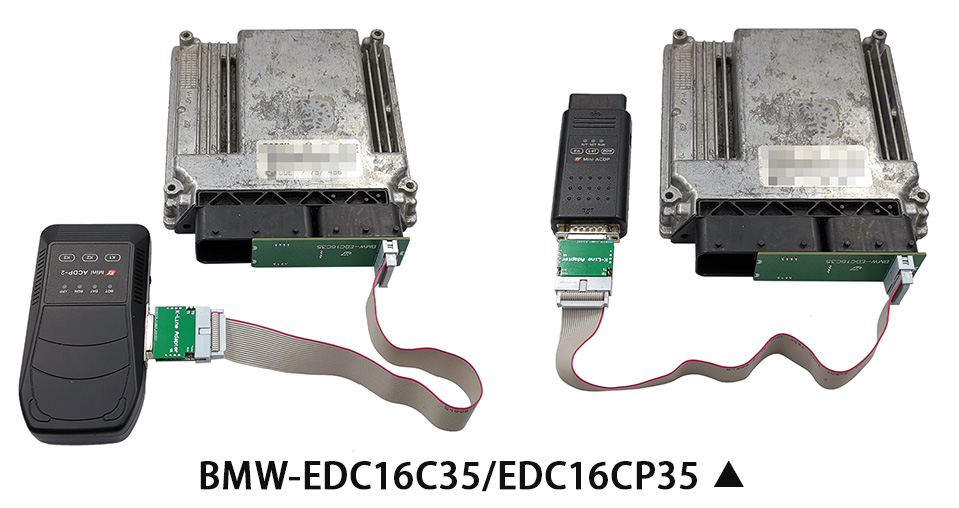
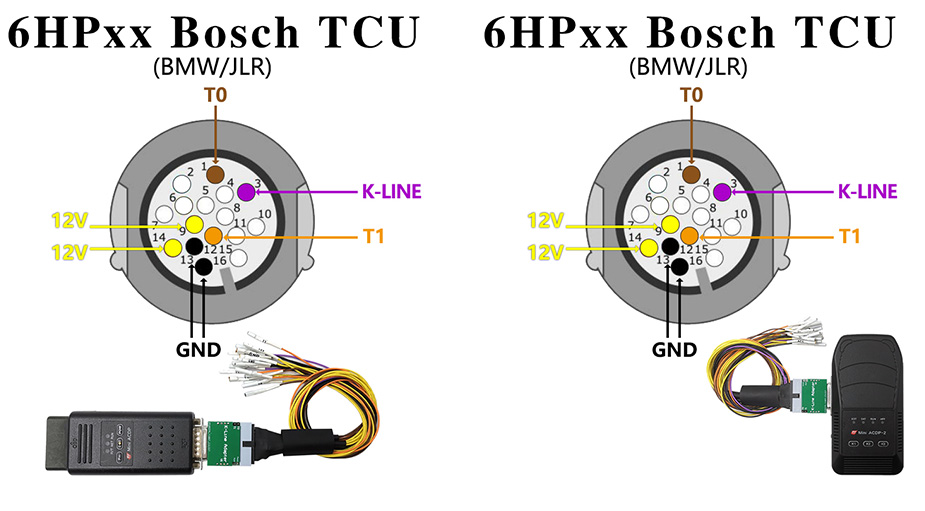
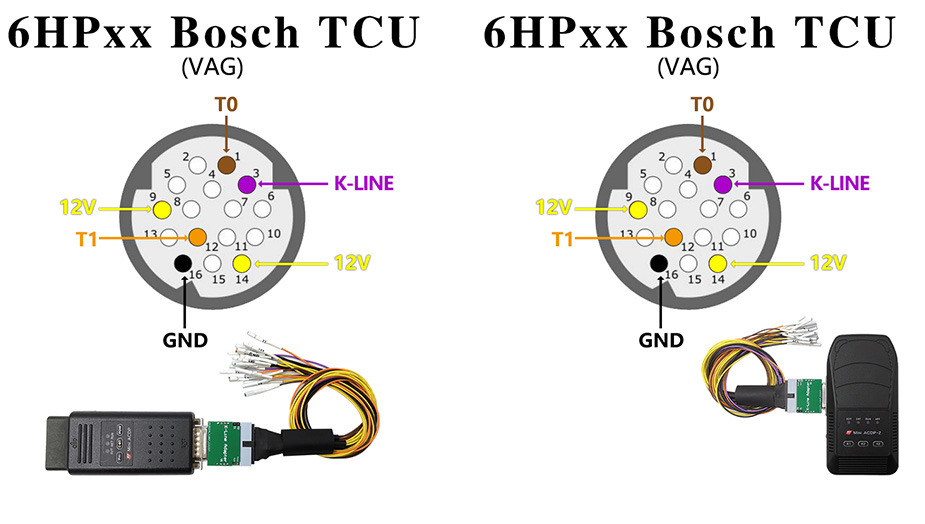
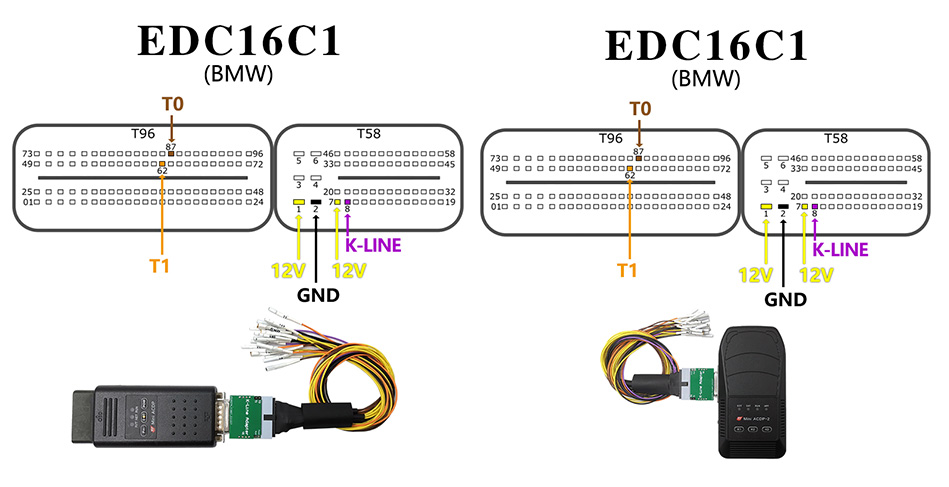
Adapters and parts
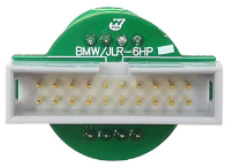
6HP Interface board
Quantity: 1
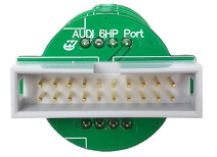
6HP Port Interface board
Quantity: 1
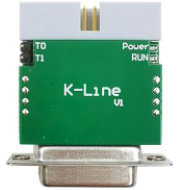
K-Line adapter
Quantity: 1
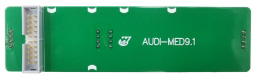
MED9.1 Interface board
Quantity: 1
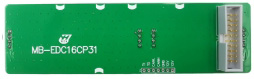
EDC16CP31 Interface board
Quantity: 1
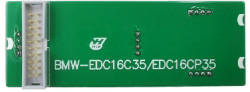
EDC16C35/EDC16CP35 Interface board
Quantity: 1
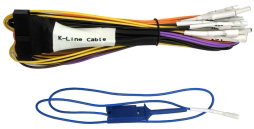
K-Line cable
Quantity: 1
For servicing with the vehicle owner’s authorisation. Verify the device generation, licence and controller identification, and back up original data before work.
Yanhua guides for workshops
Start with the question you need to resolve: choosing your first device, extending an existing setup or preparing for a specific workshop job.
Choosing a device and starter package
Separate the base device, required modules and equipment for your workshop’s first jobs.
Modules, adapters and licences
Understand physical parts, digital authorisations and the contents to confirm in a quotation.
ACDP and ACDP-2: generations and connections
Connection differences and checks to make before extending a device you already own.
From controller identification to equipment
Prepare an ECU or TCU enquiry without assuming that similar names mean identical support.
Before installation and connection
Which Yanhua application should I download?
The manufacturer lists separate PC applications for ACDP and ACDP-2, while mobile downloads are labelled ACDP/ACDP-2. Match the device generation, operating system and package name before installation. A version number alone does not confirm that a package is intended for your device.
Does my purchase include every part shown in a guide?
Do not assume so. Technical documentation shows the manufacturer’s configuration; your specific quotation defines what you are buying. Confirm the base device, adapters, cables and activations separately, especially when purchasing an extension only.
What should I prepare if the connection fails?
Record the device generation, application and version, operating system, connection method and exact error message. Include a photo of the adapter without personal information. Keep original files and do not change computer security settings at random.
Manufacturer documentation: Yanhua software and downloads; ACDP-2: connections and configuration.
Equipment checks with an authorised distributor
Car Diag Croatia is an authorised Yanhua distributor for Croatia. For an equipment check, provide the vehicle model, year, controller identification, intended function and equipment you already own. Do not include personal documents, passwords or full backups in an initial enquiry.