Description
Magicmotorsport Korhex KRX01.001
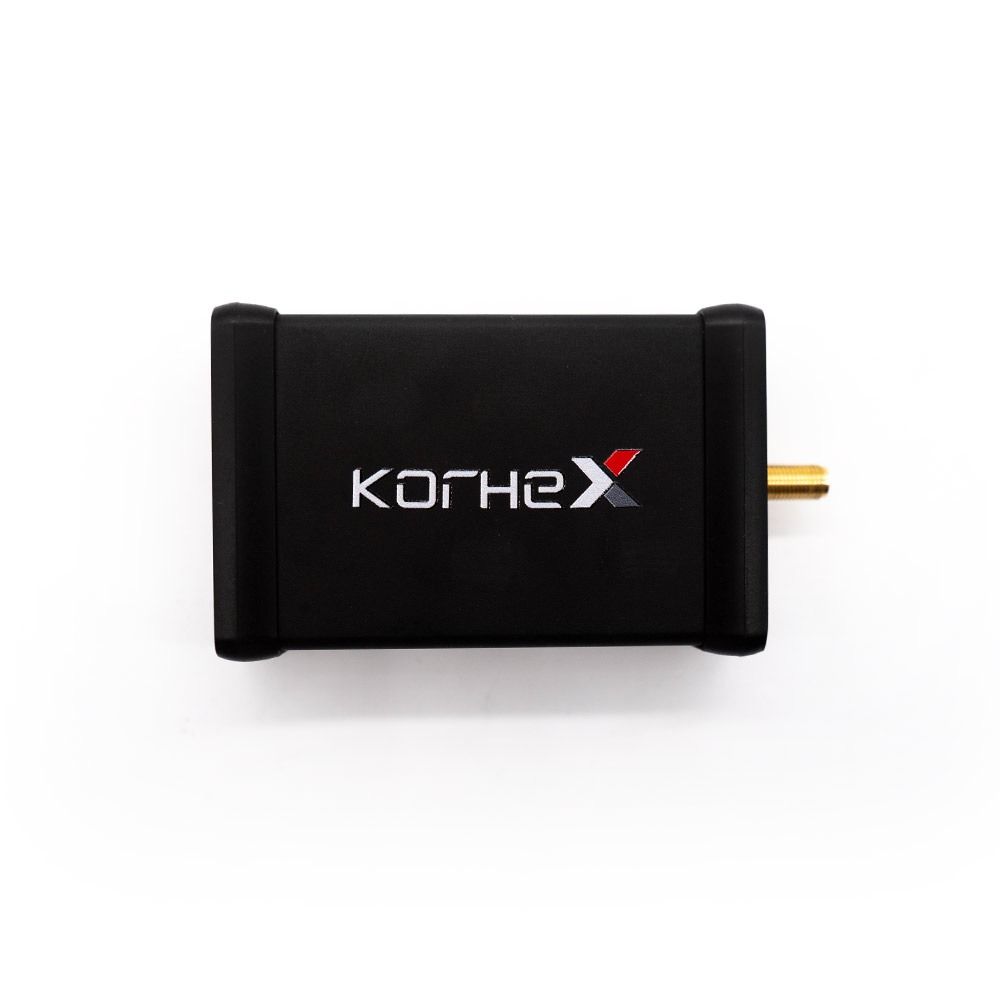
Korhex KRX01.001 is a hardware add-on for Magicmotorsport Flex, designed for microcontroller access and supported ECU unlocking in Boot Glitch mode. It is not a standalone programmer.
What Korhex adds to your workshop
- Contact with the designated MCU point replaces manual Boot pin wiring on supported protocols.
- Supported operations avoid resistor desoldering and unnecessary alterations to the ECU board.
- Flex provides a guided workflow from unit preparation and access through to subsequent programming.
- Internal Flash and EEPROM reading/writing, backups and Boot Unlock depend on the selected unit and available protocol.
Which Flex configuration do you need?
- Flex Full Master / Full Slave (FLS0.5M/S): the relevant procedures are part of the Full configuration; check that your subscription is active.
- Partial Flex package: Korhex requires the Boot Glitch license FLS0.20M or FLS0.20S, or an upgrade to Full.
- New user: Flex hardware, Korhex and an appropriate software license are required. This listing covers the Korhex hardware kit only.
Compatibility and applications
Check support against the exact ECU identifier, microcontroller and Flex protocol version, not just the vehicle make. Official releases cover Mercedes MDG1, selected SPC58N units and Mercedes Truck CPC5 after 2020. This does not imply compatibility with every variant of those vehicles.
Workshop workflow
- Check the ECU and your license against the current coverage list.
- Prepare and connect the unit using the Flex instructions, then position the correct mask and Korhex contact.
- Run the supported access or unlocking procedure.
- Continue reading, backing up or writing through Flex as specified by the selected protocol.
For trained professionals working on vehicles and units they are authorized to service. Follow manufacturer instructions, maintain a stable power supply and retain an original backup where supported.
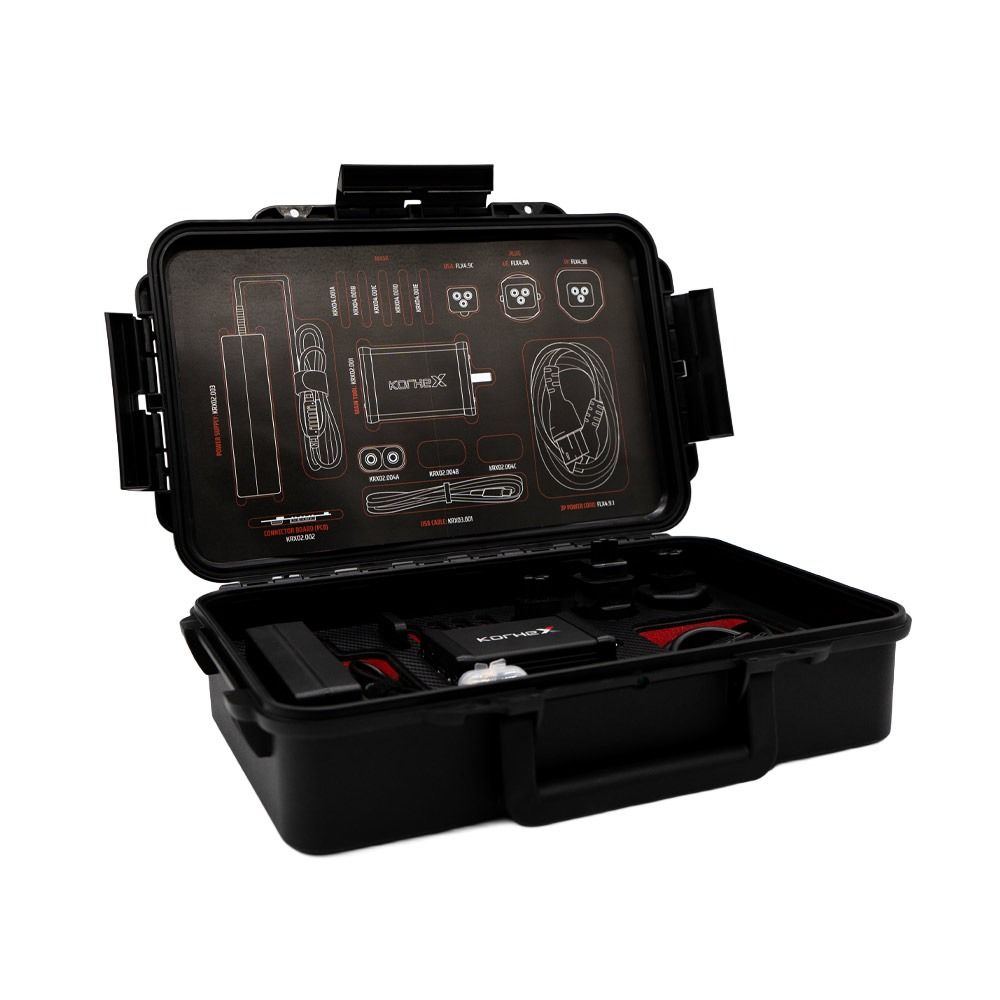
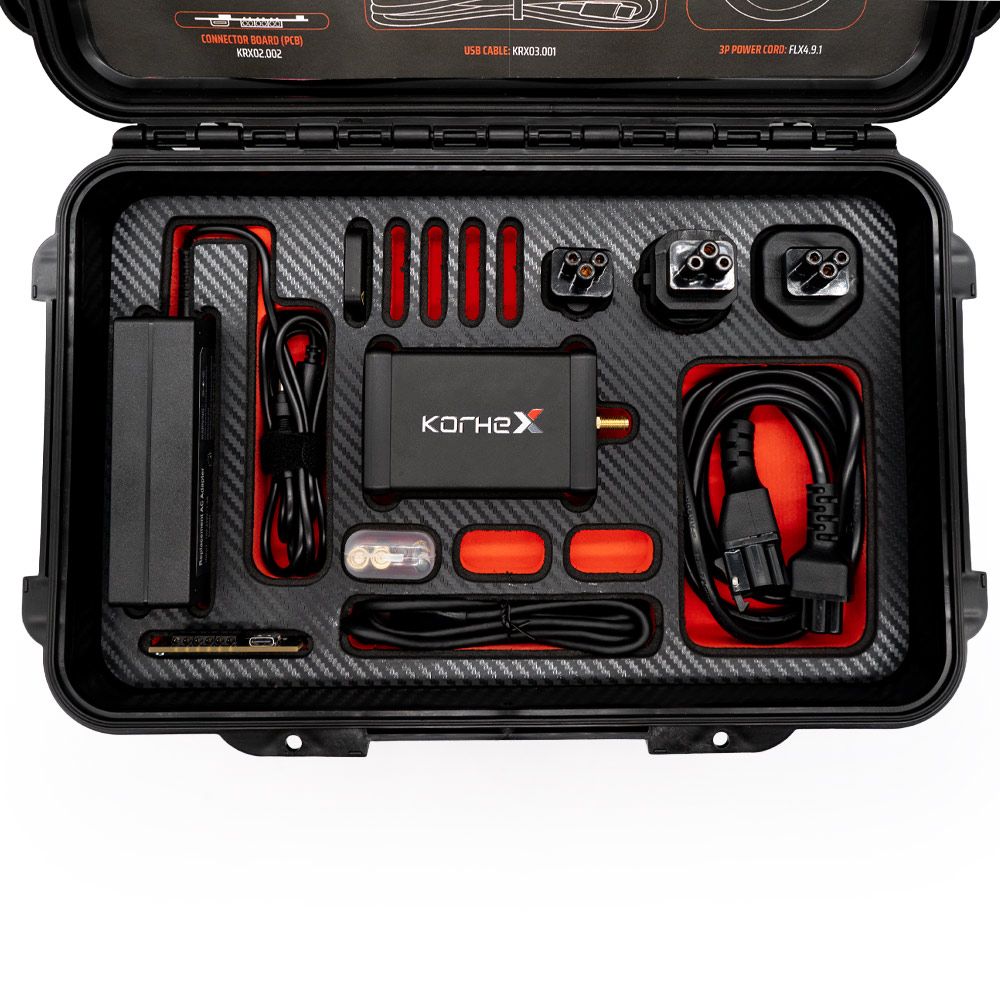
KRX01.001 kit contents
| Code | Item | Qty |
|---|---|---|
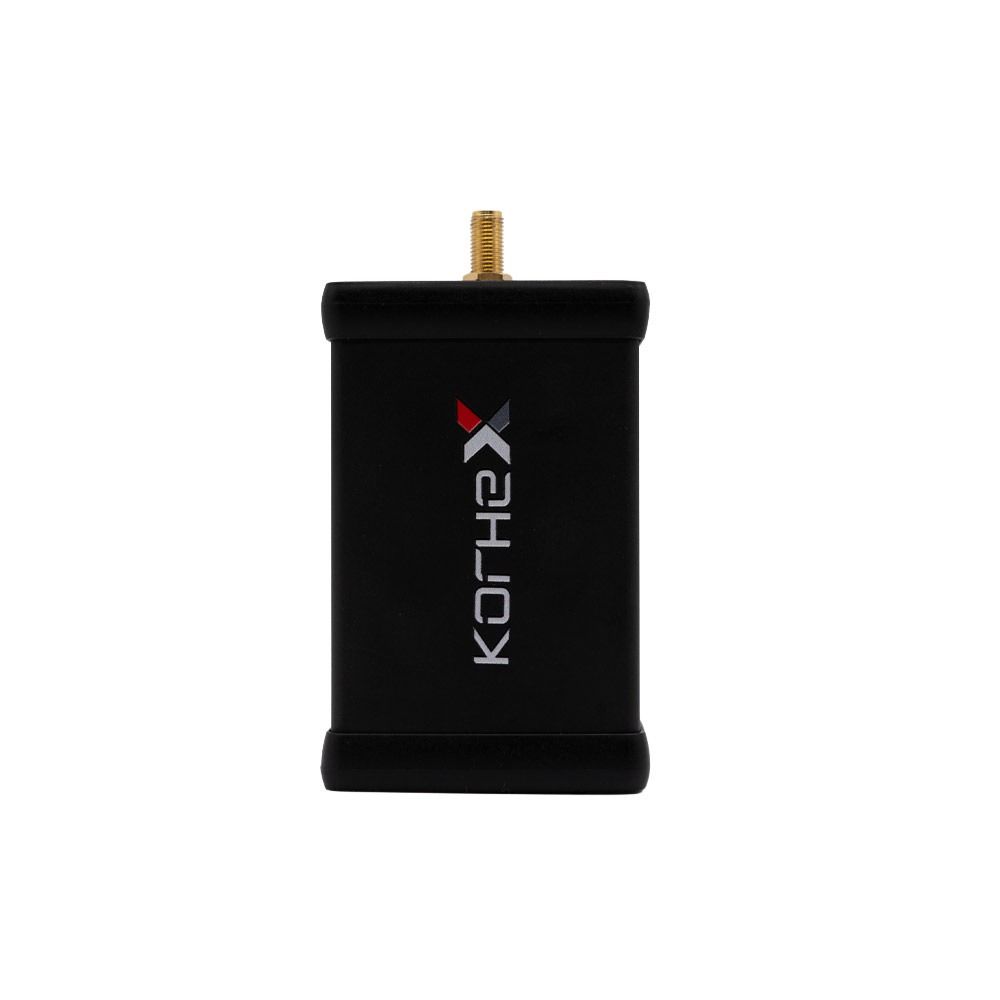
| KRX02.001 | Korhex main device | 1 |
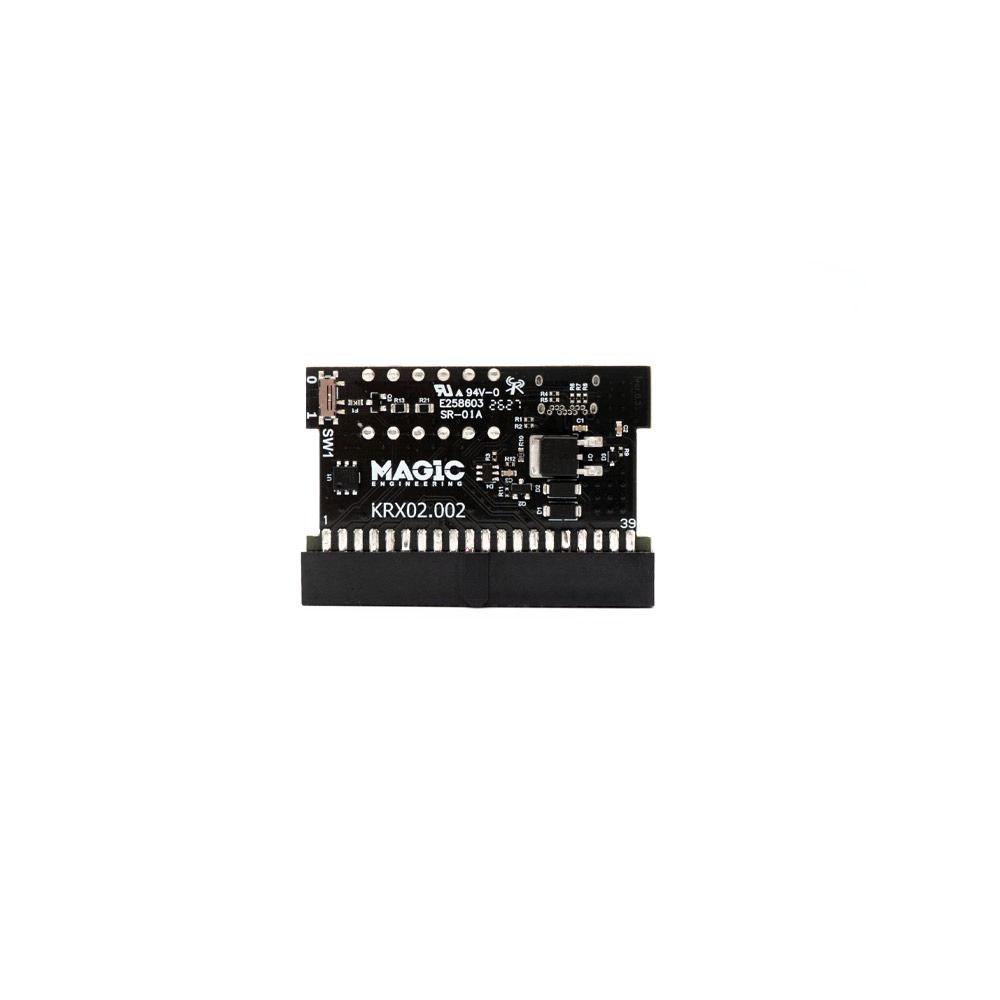
| KRX02.002 | External Korhex unit | 1 |
| KRX03.001 | Korhex USB cable | 1 |
| FLX4.9.1 | 3P power cord 1.20 m for FLX4.9 | 1 |
| FLX4.9A | European plug, Type E/F | 1 |
| FLX4.9B | UK plug, Type G | 1 |
| FLX4.9C | US plug, Type B | 1 |
| KRX02.003 | Korhex power supply | 1 |
| KRX02.004A | Korhex Antenna A | 2 |
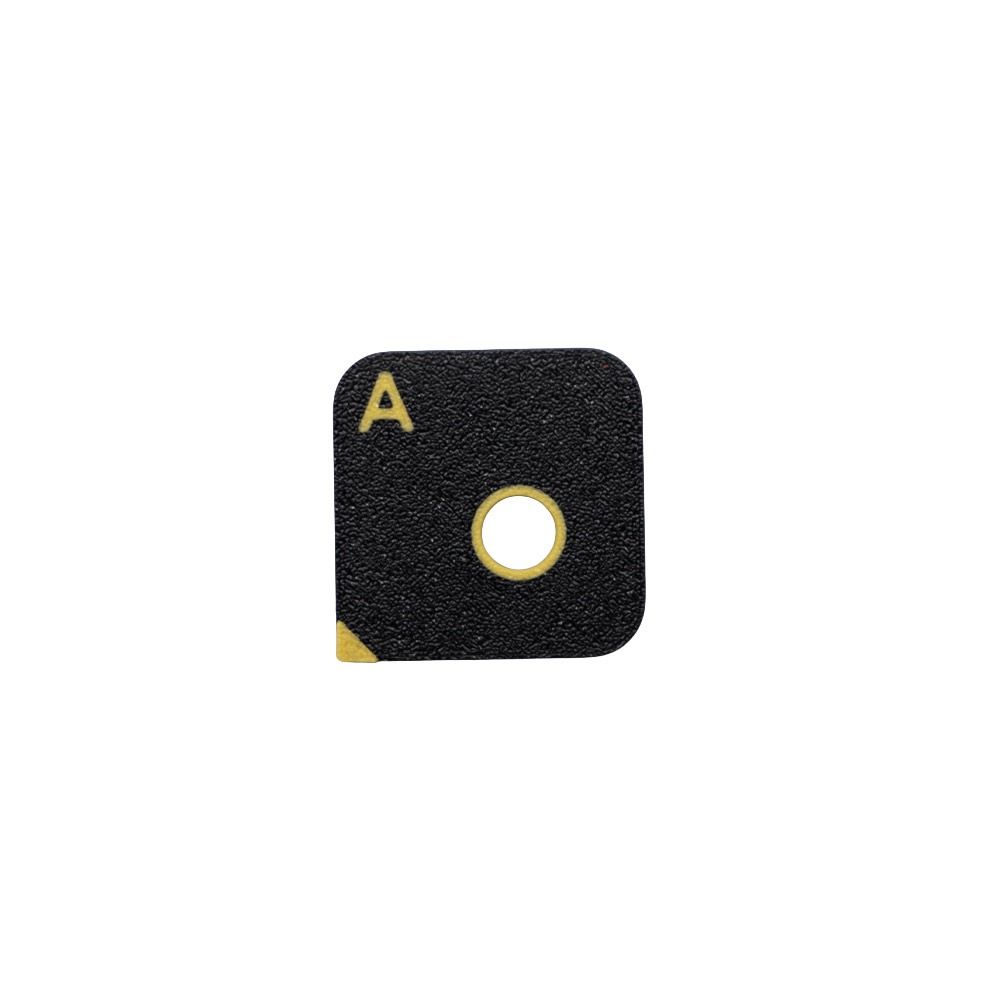
| KRX04.001A | Korhex Mask A | 5 |
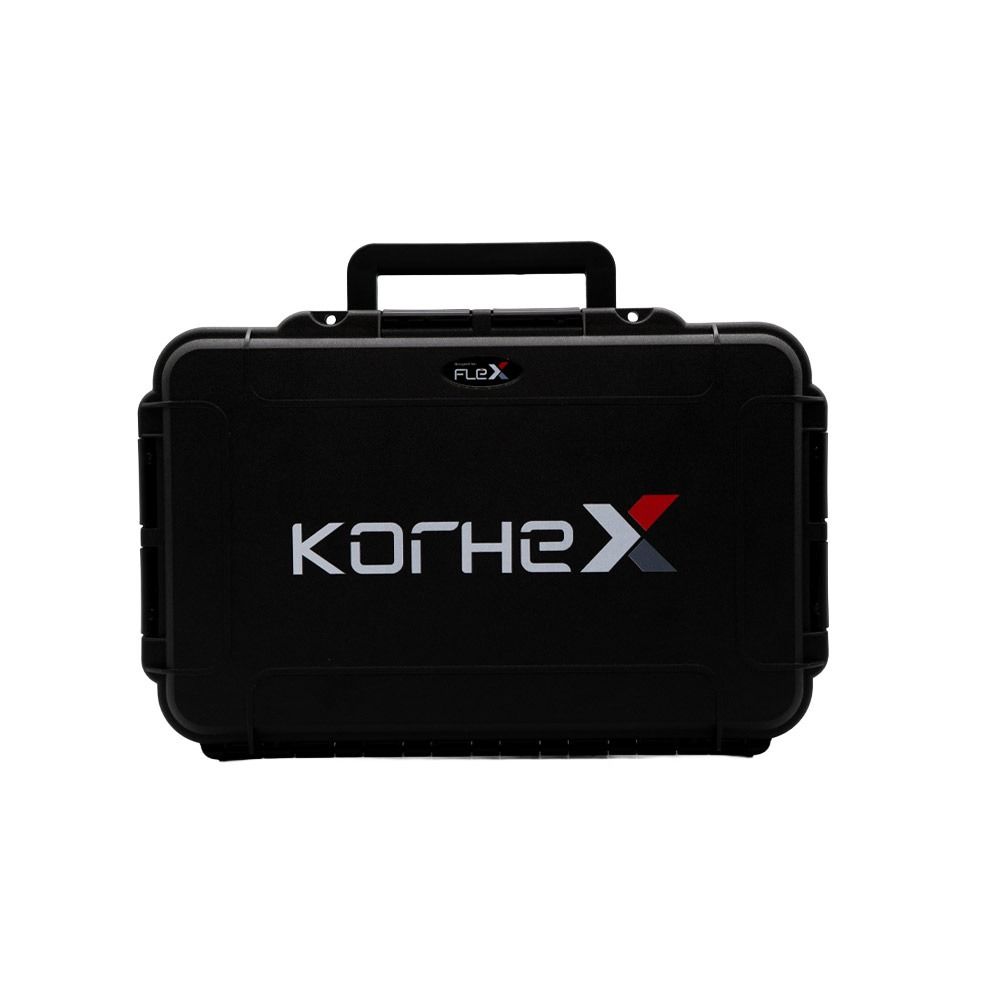
| KRX08.001 | Carrying case | 1 |
Wholesale price excluding VAT. The Flex device and separate software licenses are not included in this kit.
Official links and technical resources
Manufacturer resources open separately. Some instructions and downloads require a Magic Center or Flex login. A single public manual covering every ECU has not been confirmed.
- Supported vehicles and Boot Glitch protocols
- Korhex official technical overview
- Boot Glitch Master license FLS0.20M
- Boot Glitch Slave license FLS0.20S
- Flex + Korhex Platinum bundle
- Mercedes MDG1: Boot Glitch
- SPC58N unlocking with Korhex
- Mercedes Truck CPC5 after 2020
- Magic Center: support and user resources
Send your ECU identifier, vehicle details, current Flex license and intended operation. Active Full users can also ask us to check eligibility for the manufacturer’s special offer.


Reviews
There are no reviews yet.