

Description
TOPDON Phoenix Remote for local diagnosis and remote collaboration
Phoenix Remote suits workshops that carry out their own diagnostics but want a way to involve an external specialist for more demanding jobs. Its tablet has a 10.1-inch display, 4 GB of RAM and 128 GB of storage. It connects to the vehicle through a wired diagnostic connection; it should not be confused with Phoenix Max and its separate MDCI Pro interface.
System checks and repair verification
- Read control-unit information, fault codes and live data from supported vehicle systems.
- Clear faults after repairs and use active tests to check individual component responses.
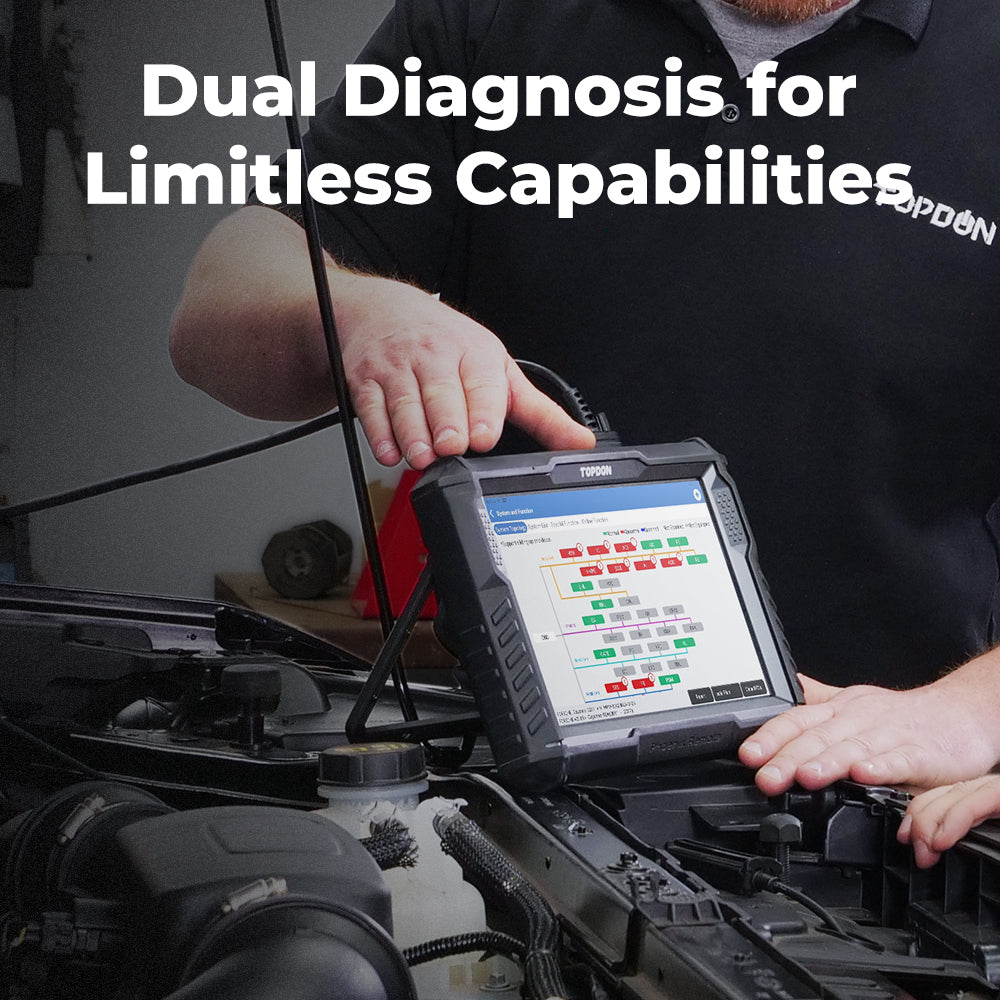
- Use topology mapping to relate module status to the vehicle network and focus investigations of communication problems.
- Perform selected maintenance procedures, use supported VAG guided functions, and save or share diagnostic reports.
Comparing codes and operating values before and after replacing a component helps document the result. Availability of a particular test depends on the model, year, control unit and software version, not simply the vehicle badge.
Programming, coding and remote services are different
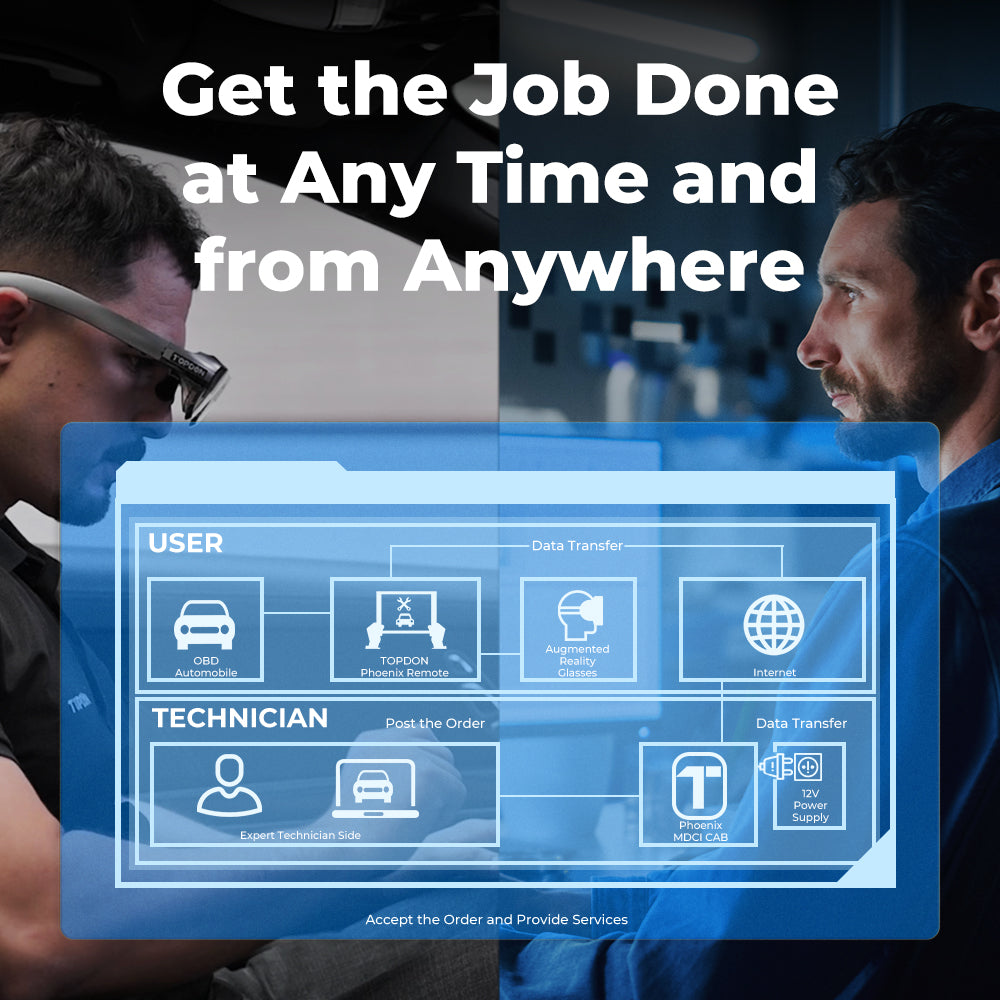
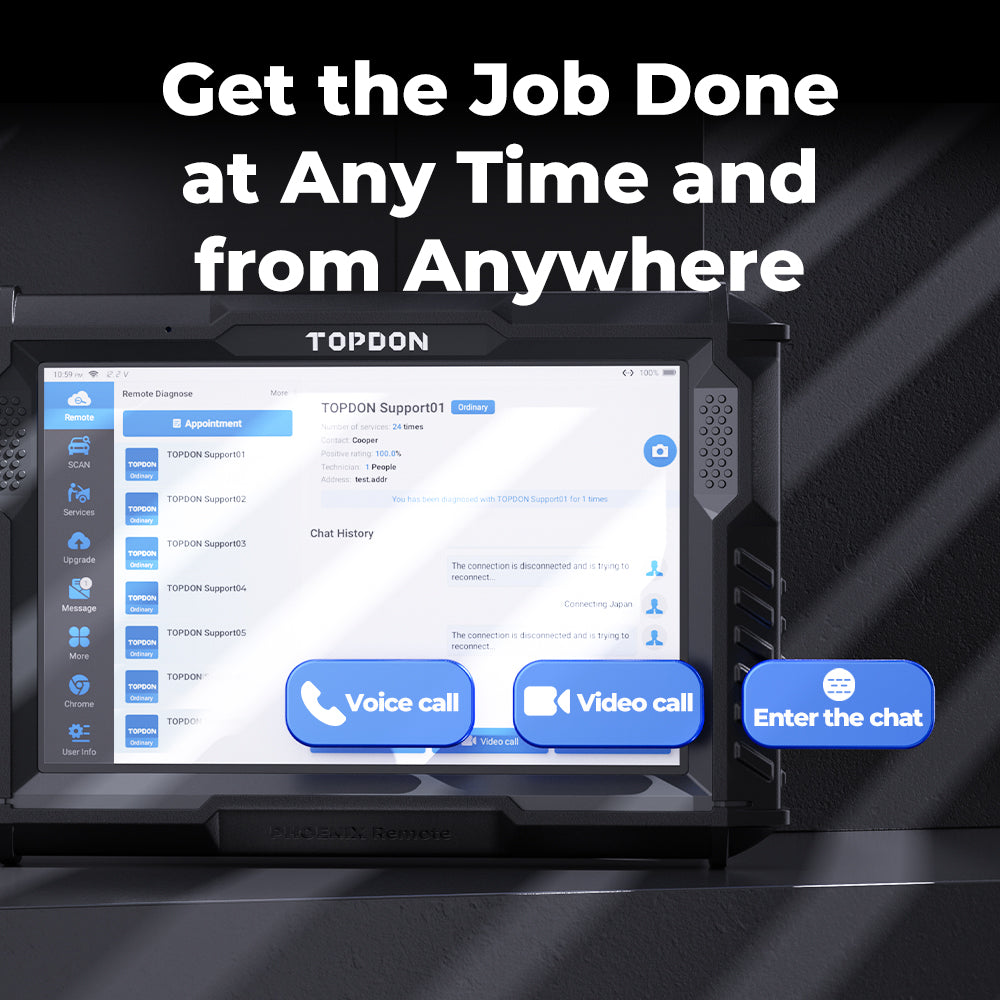
Cloud programming writes the appropriate software to supported control units. Coding adjusts a supported module configuration; coding access does not automatically establish programming coverage for that module. Remote diagnosis is a separate technician-assisted workflow with voice or video communication. External technicians' services are arranged and paid for separately. Confirm provider availability in your region before relying on this workflow.
TOPDON explicitly restricts this model's J2534 claim to remote-access programming. Phoenix Remote is therefore not presented as a universal standalone J2534 interface for a PC. CAN FD and DoIP support likewise do not establish access to every vehicle function.
Equipment and working requirements
Heavy-duty software, ADAS equipment and a compatible battery tester are separate expansions to confirm against the selected configuration. Check the necessary adapters, licences and authorized security-gateway access. Programming requires stable vehicle power and an appropriate network connection; purchasing the tablet does not automatically provide every OEM subscription.
Consult the official Phoenix Remote product page, user manual and official vehicle coverage tool for the jobs you intend to undertake.


Reviews
There are no reviews yet.